 SimpleCrafts Studio presents
SpeedCompass
GPS speedometer, compass and trip log in one app – for cars, motorcycles, boats, bikes and e-scooters.
- Works offline
- Free
- No account
01GPS speedometer · Compass · Trip log
SpeedCompass
The app, step by step
In the order you actually meet it – just like the built-in tutorial: set up first, then drive, then review.
Everything at a glance
One cockpit. Everything inside.
SpeedCompass turns your phone into a full instrument panel.
GPS speedometer in 4 styles
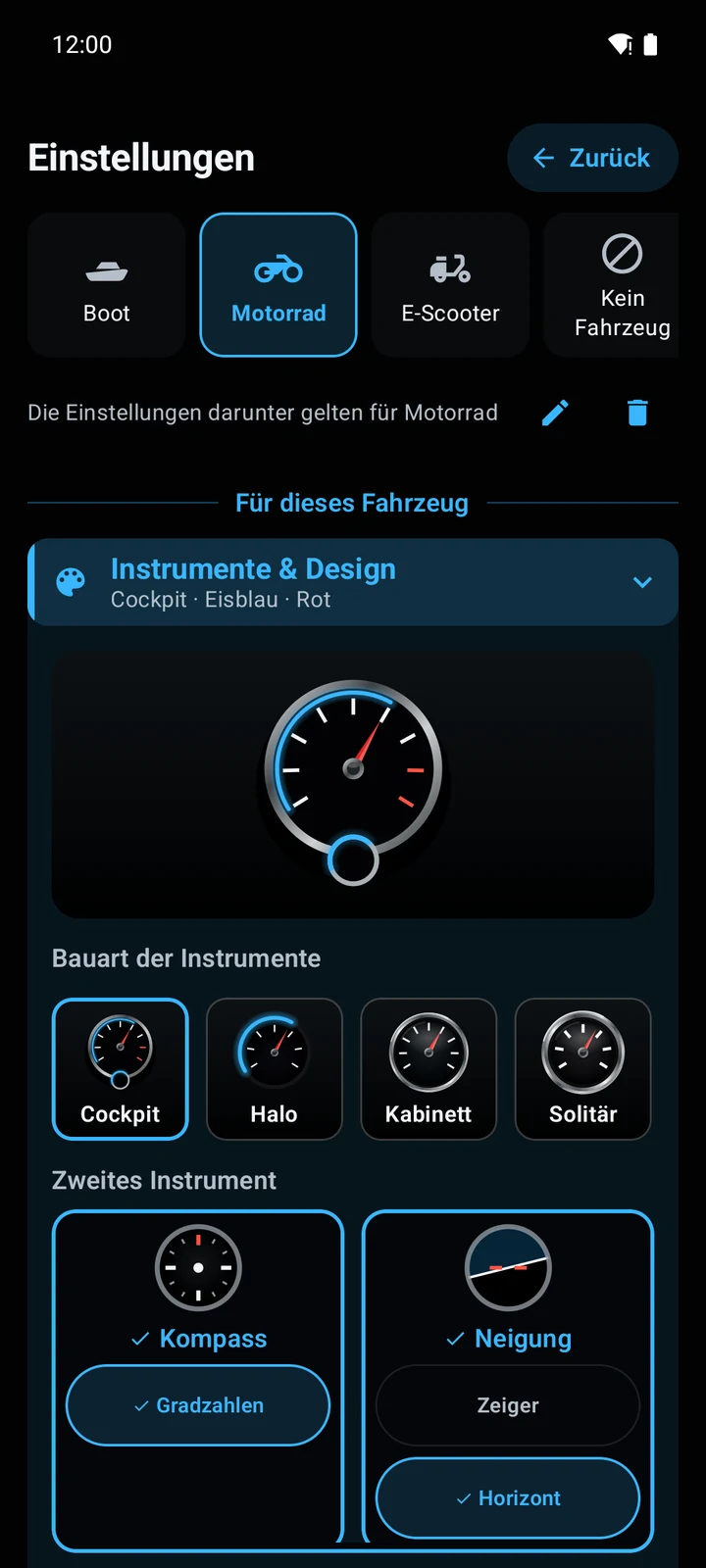
Cockpit, Halo, Cabinet or Solitaire – each style a hand-drawn instrument with chrome bezel, curved glass and light from the top left.
A real magnetic compass
The rose turns like on a ship while the course mark stays fixed. With a calibration guide – and a hidden spinning easter egg.
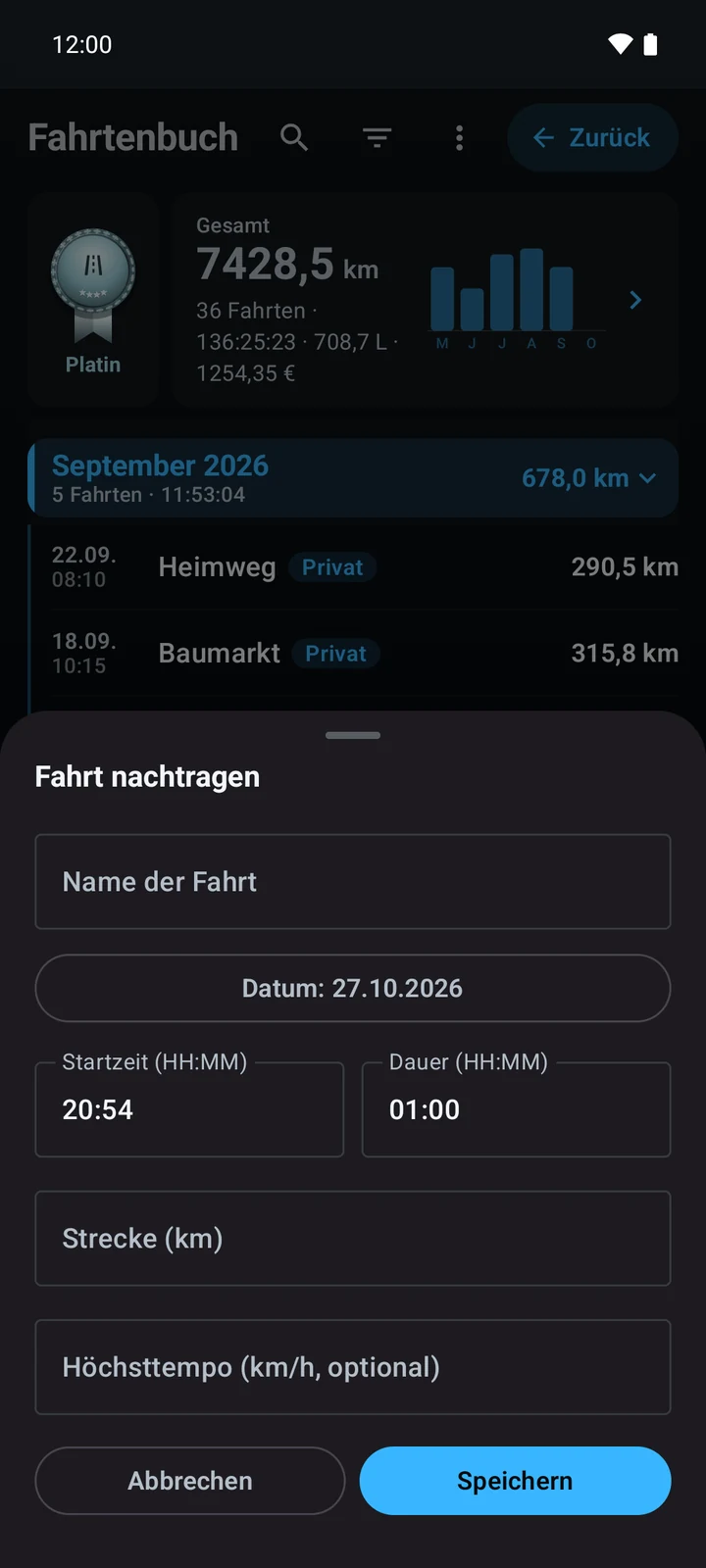
Trip log & logbook
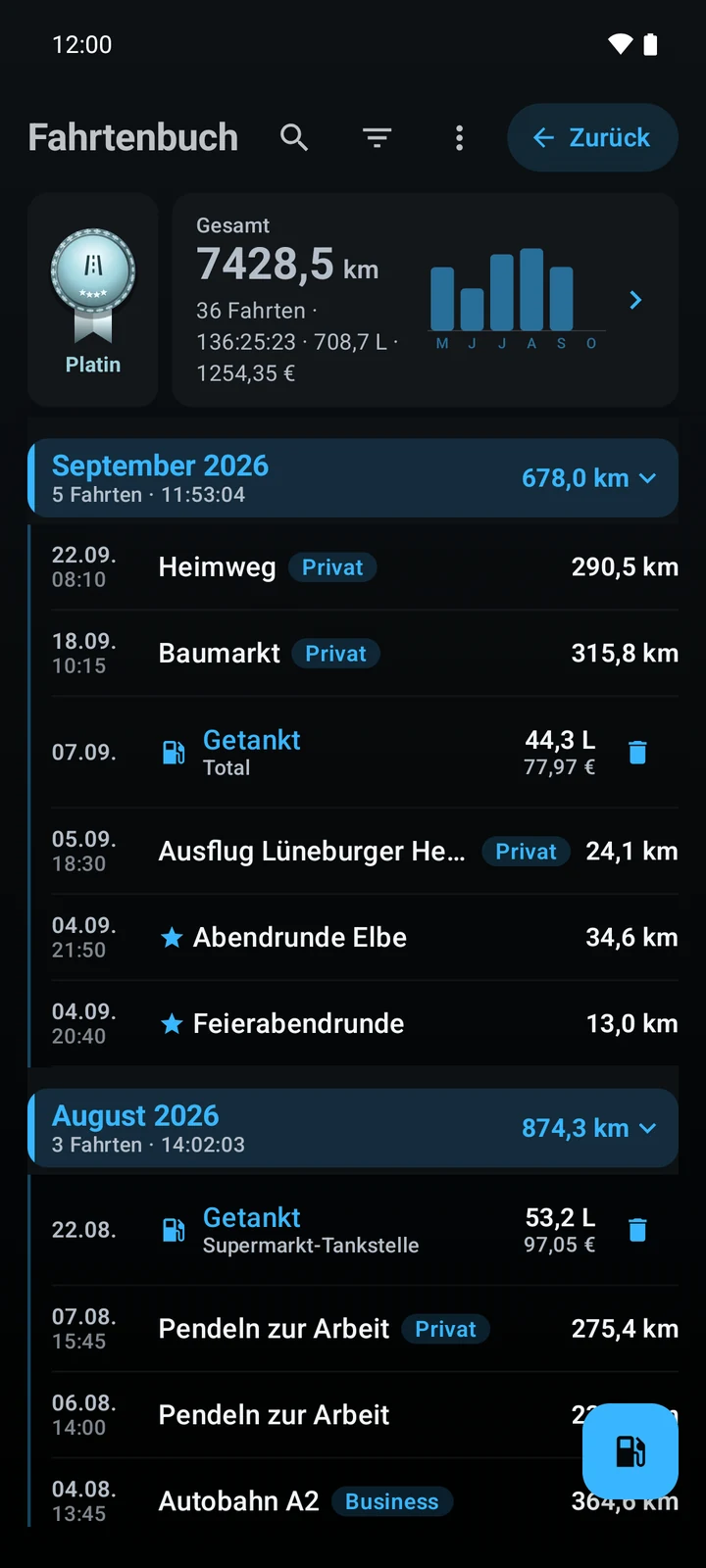
Every trip with distance, time, average and top speed. Favorites, categories, notes, search – and export as CSV, PDF or backup.
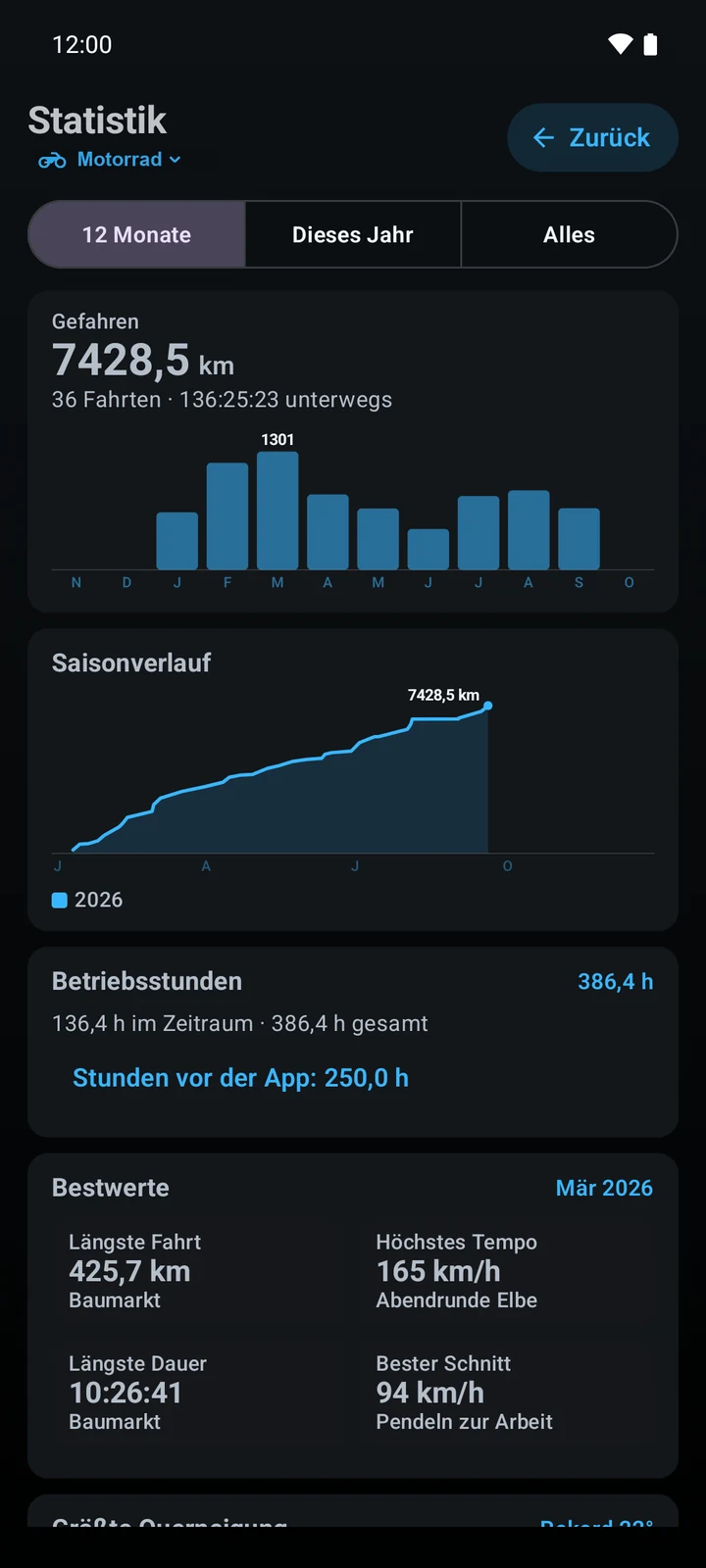
Statistics & records
Monthly bars, season comparison, record badges and vehicle comparison – your trips become a story.
Fuel & charging
Enter prices straight from the receipt – or kWh for your EV. Price per liter and total amount calculate each other.
Sunlight boost
In bright sunlight the app automatically switches to maximum brightness and stronger contrast – and back again afterwards.
Tilt & heel
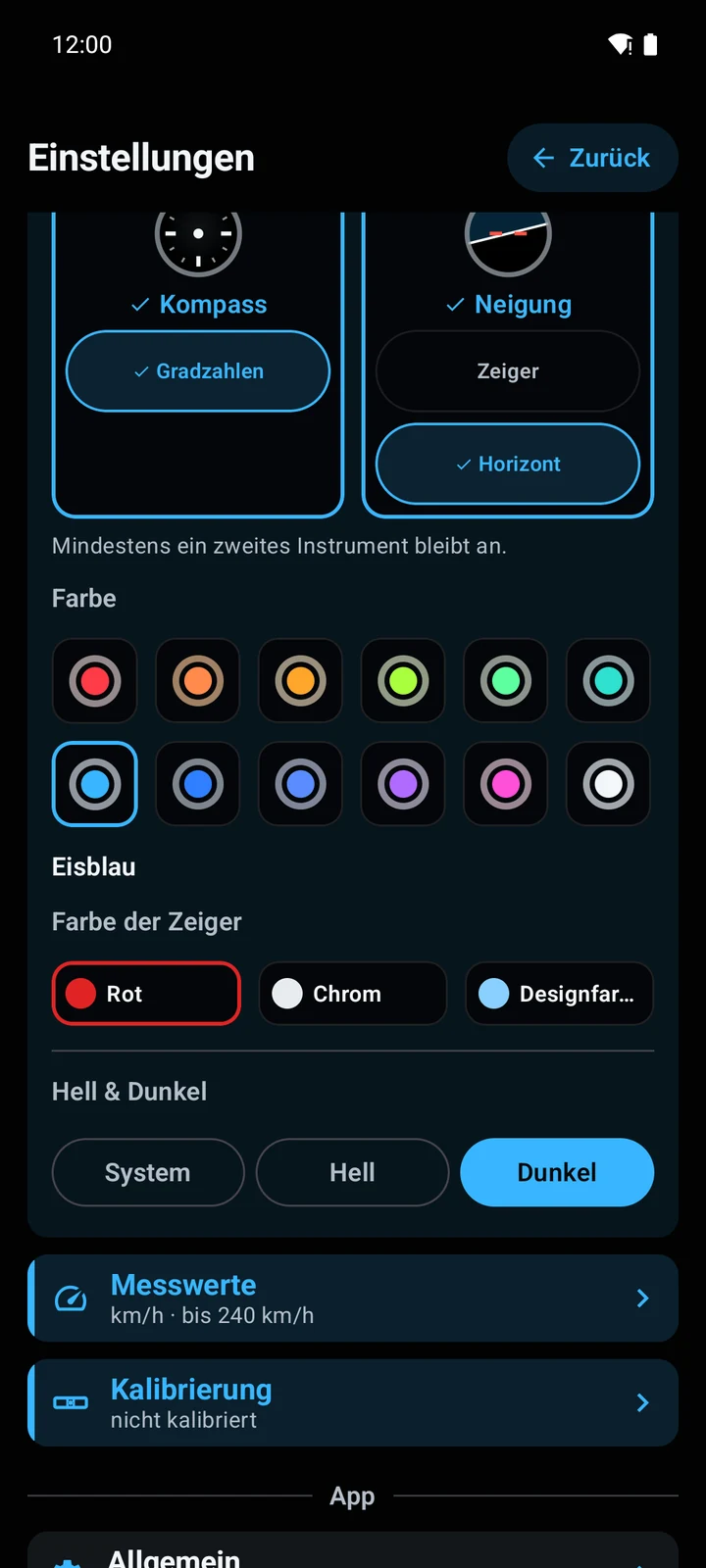
A horizon line or degree arcs show bank angle, boat heel or motorcycle lean – with drag markers for the maxima.
No account – trips stored locally
The app stores your trips, vehicles and settings locally on your device – none of it is sent to SimpleCrafts Studio. All measuring features work without an internet connection; the app only goes online for ads and, if you switch them on, crash reports.
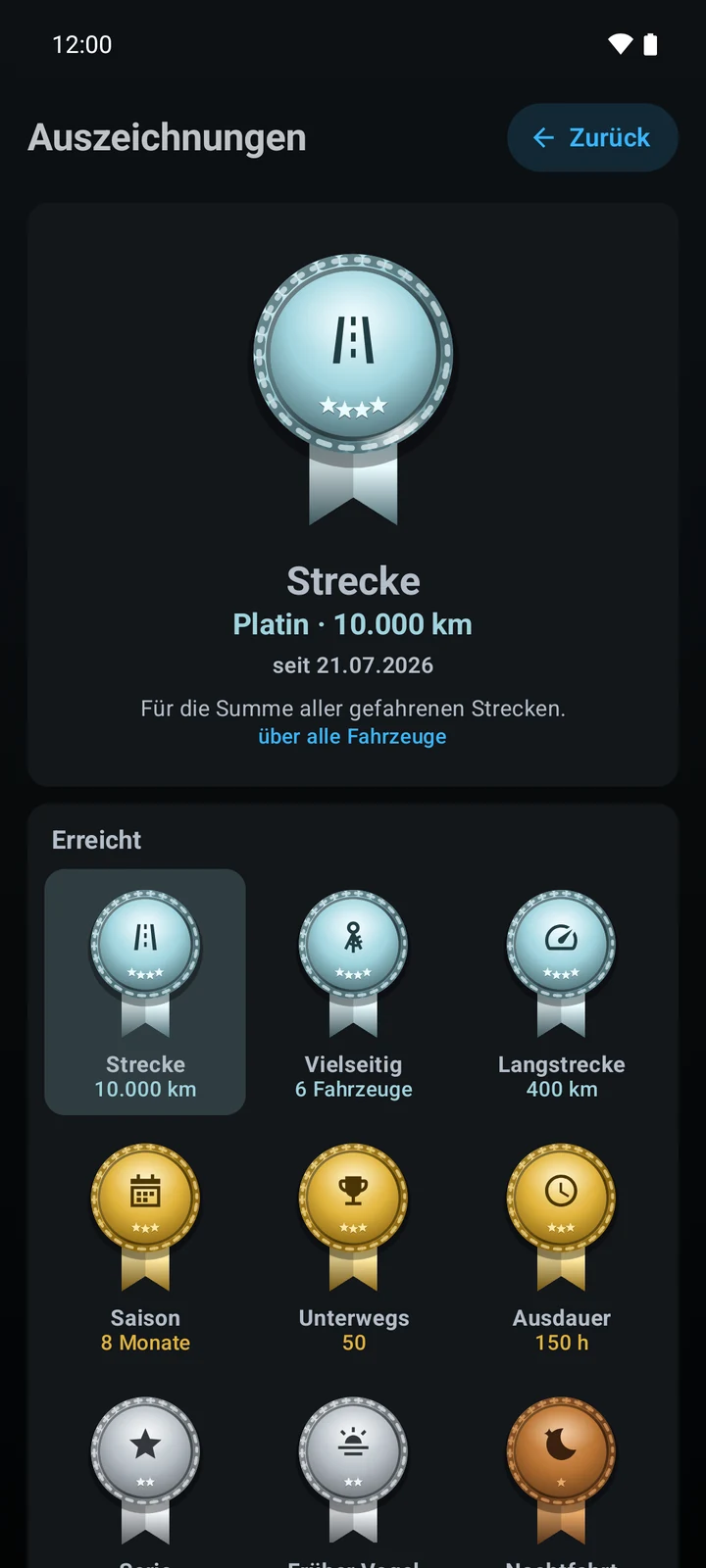
Awards & personal bests
Badges for milestones and personal bests – counted across all your vehicles.
Automatic trip detection
The app suggests when to start and end a tour – you just confirm.
Add trips later & operating hours
Add a forgotten trip afterwards in the logbook. The statistics also count operating hours – including a meter reading from before the app.
Speedometer up to 999 km/h
The scale goes up to 999 km/h, and distance is counted correctly even at high speed – for example as a passenger on a plane.
Backup as a file
Save and restore trips and settings as a file. The app rejects foreign or damaged files.
More features
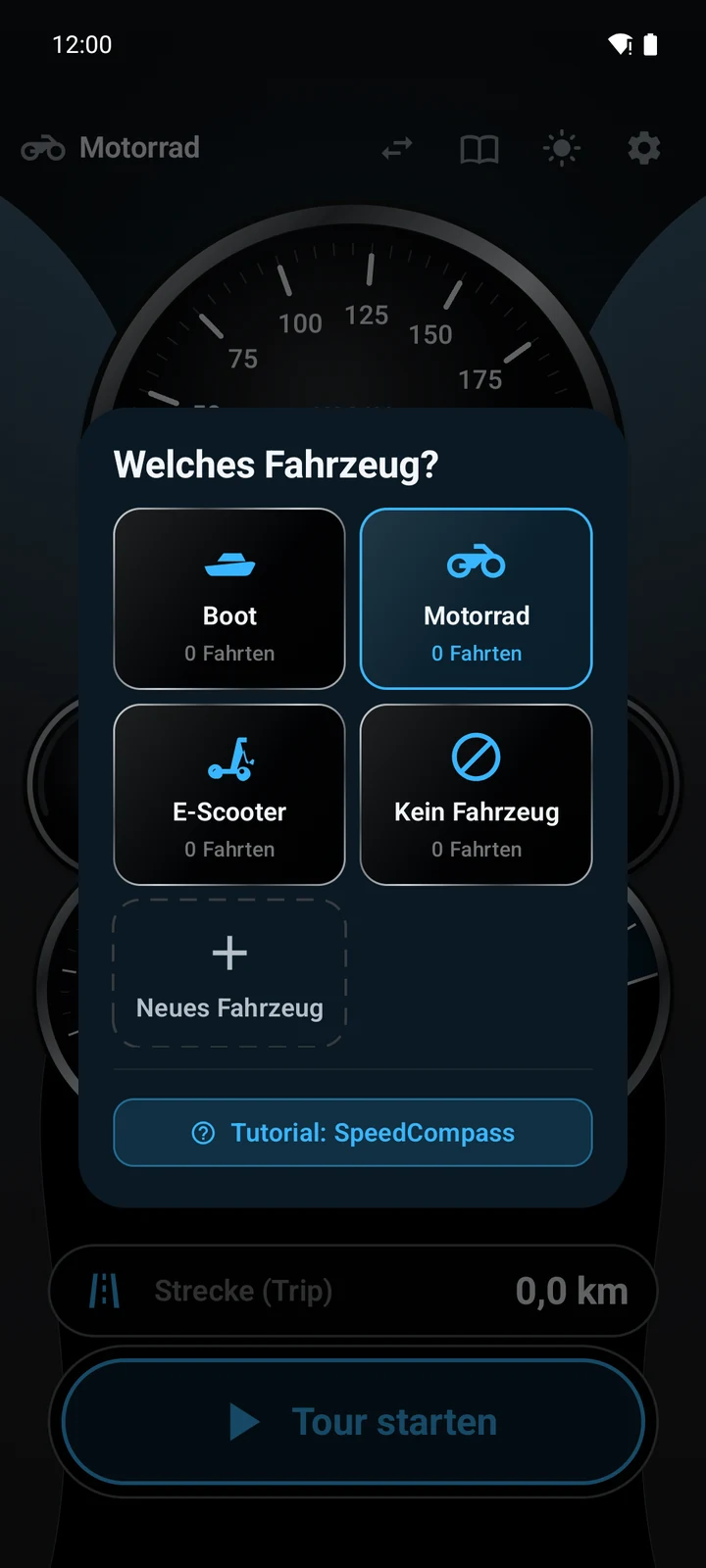
Create a vehicle
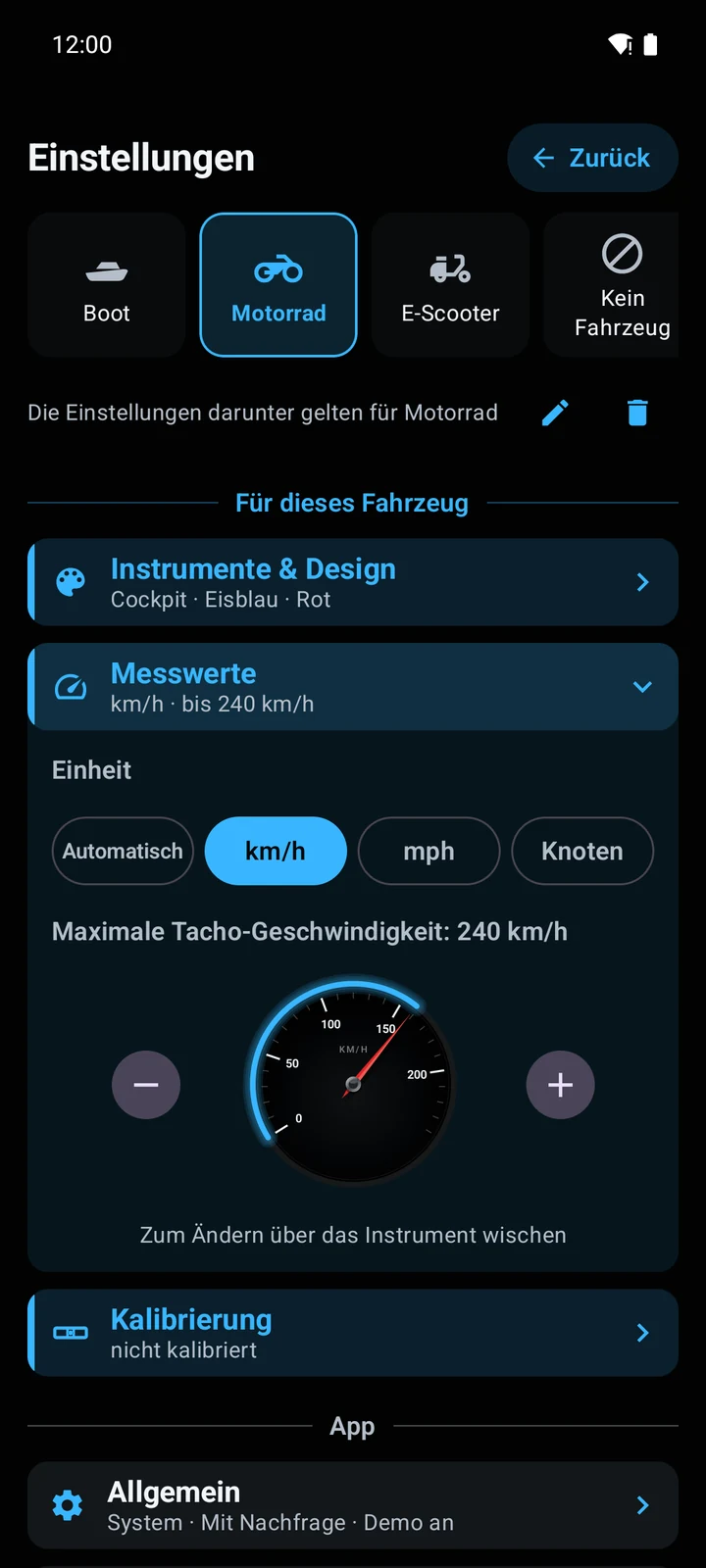
The vehicle comes first: a symbol from 15 templates, a name, the drivetrain – combustion, electric or no consumption at all – plus unit and speedometer scale. You set the upper limit right on the little live gauge, by swiping instead of dragging a slider.
Tip: Watercraft start with knots automatically, EVs charge in kWh instead of liters.
Four styles, one speedometer
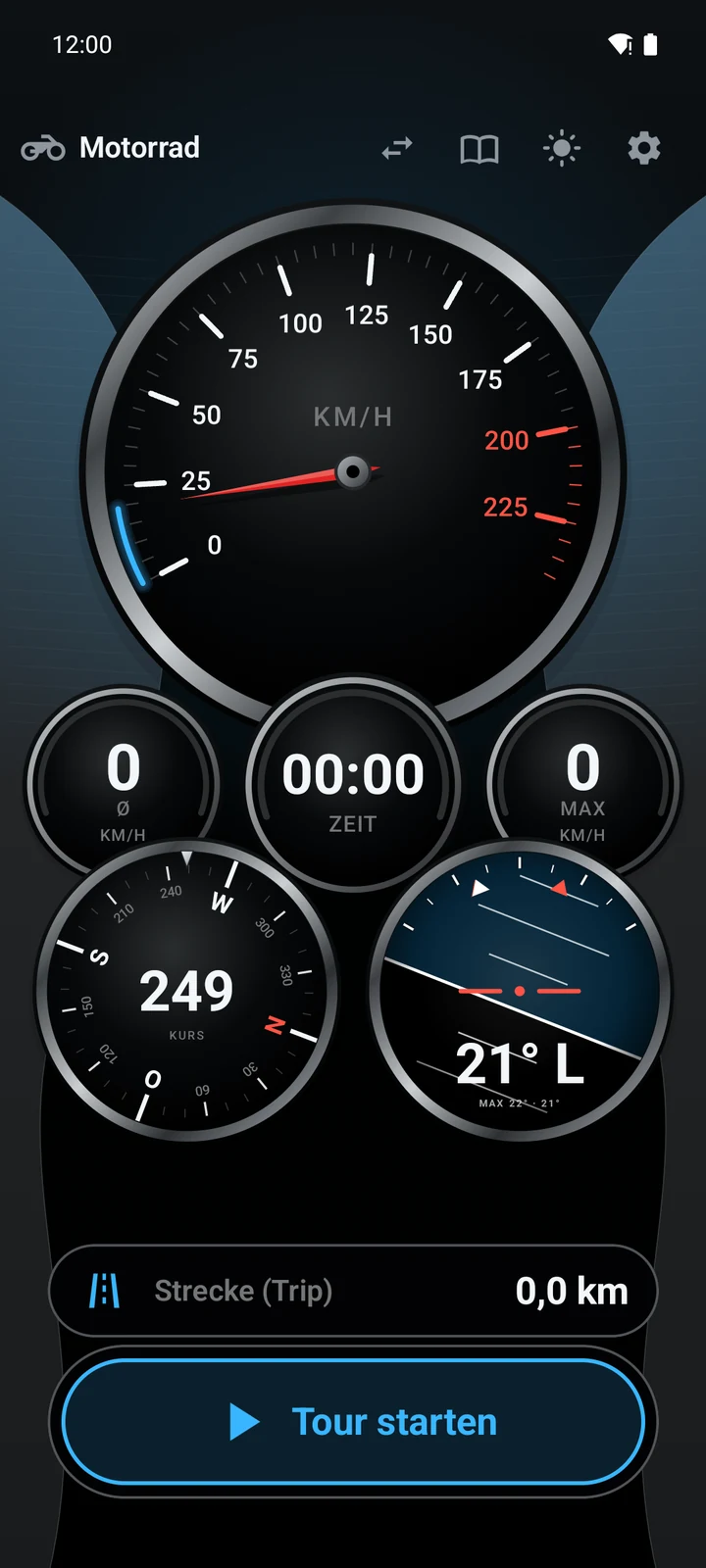
Solitaire merges speedometer and compass into a single instrument: the heading band glows as a ring around the dial. Alongside it, Cockpit with its recess, Halo with a glowing ring on a dark face, and Cabinet with a chromed bezel in vintage style.
Tip: Every style comes in all twelve colour worlds, light and dark alike.
Compass & tilt
Your heading stays fixed at the top while the rose turns beneath it – just like on a ship. Next to it the tilt, either as a needle instrument or as an artificial horizon, with pale drag marks for the maxima reached. Both can be switched on separately.
Tip: A double tap on the tilt instrument opens the calibration – park the vehicle level, tap, done. It works while driving, too.
Record a trip
One tap on “Start trip” records distance, time, average and top speed – in the background and with the screen off, too. When you stop, a summary sheet wraps up the trip and you decide whether it goes into the trip log.
Tip: Would rather not be asked every time? Turn on “Save trips automatically”.
Every trip in detail
A tap opens the detail sheet: a timeline from start to finish, tiles for distance, time, average and max, and below them a speed band that places average and top speed on the scale. Record badges show when a trip holds one.
Tip: The toolbar at the bottom – name, note, category, odometer, share and delete.
At home on the water
Knots and nautical miles, heel to port and starboard, a logbook instead of a trip log, and fuel per hour on motorboats. SpeedCompass was born as a boating companion – everything else came later.
Tip: You can stop the compass and spin it on with a swipe, like a turntable.
The right instrument for every vehicle
Every vehicle gets its own units, scale, design and logbook – km/h, mph, or knots and nautical miles.
- Car
- Motorcycle
- Scooter
- Bicycle
- E-scooter
- Yacht
- Motorboat
- Sailboat
- Motor dinghy
- Canoe
- Tractor
- Train
- Airplane
- Balloon
- Paraglider
See SpeedCompass in action
22 seconds that show it all: speedometer, compass, trip, logbook.
When you play it, your browser loads the video from YouTube (Google, including the USA), transmitting your IP address among other data. By clicking you consent. More in the privacy policy.
iPhone
Tell me when SpeedCompass comes to iPhone
SpeedCompass is only available for Android so far. If you have an iPhone, sign up and you will get one email when an iPhone version is released – and not otherwise.
Ready for the cockpit?
SpeedCompass is now on the Google Play Store – for free.
Free, no account, works offline.